
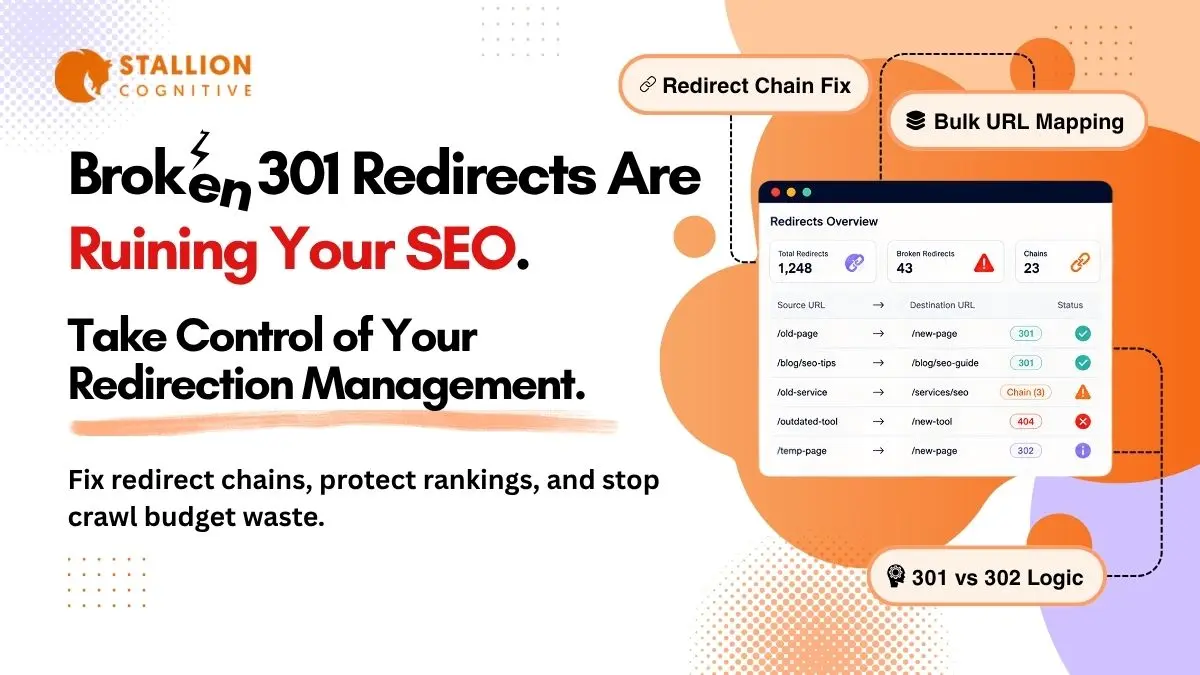
A site migration is on your calendar. Could be HTTPS, could be a rebrand, or three years of messy URL patches nobody wants to own anymore. Whatever the case, one thing decides whether you keep your traffic or lose 30 percent of it overnight: how you handle your 301 redirects. Nine teams out of ten treat this like a ten-minute ticket they'll knock out during lunch.
This guide covers what 301 redirects actually do under the hood, when a 302 makes more sense, how to build a redirect map that survives launch day, implementation for Apache, WordPress, and Nginx, and how to find the chains that are quietly eating your crawl budget right now.
What a 301 Redirect Actually Does for SEO
Your server gets a request for /old-page/. That page doesn't live there anymore. With a 301 in place, the server tells the browser "this moved permanently" and hands back a Location header pointing to the new URL. The browser follows it, the user never notices, and Google starts moving SEO value from the old address to the new one.
What actually transfers with a 301:
- Backlinks and referring domains
- Topical authority and relevance signals
- Internal PageRank flow from your own site structure
- Trust built up over years of earning citations
The part that trips people up is expecting the redirect to do more than it actually does. A 301 handles signal transfer and nothing else. Point visitors to a page with weak content, or one targeting completely different keywords, and no redirect fixes that.
What a 301 won't fix for you:
- Thin or low-quality content on the destination page
- A mismatch between original search intent and the new page topic
- Canonical tag conflicts that confuse Googlebot
That equity transfer is exactly why 301s sit at the center of every migration, every URL restructure in programmatic SEO, and every domain change where the business can't afford to start from scratch.
Does a 301 Lose PageRank?
Not anymore. Google has confirmed this over and over at this point, and independent tests by Ahrefs and Moz reached the same numbers. 3xx redirects carry full PageRank. There is no equity tax.
That "15 percent equity leak" you might still hear people repeat? Outdated data from a completely different era of Google's algorithm. Safe to ignore.
One more layer most teams skip entirely: AI citation tools like Google AI Overviews, Perplexity, and ChatGPT Search pull answers from pages with stable, clean URLs. Broken redirect paths cut off citations before you even know your content was being referenced. URL hygiene matters more in 2026 than it did two years ago.
Understanding how SEO, AEO, and GEO actually differ gives you the full picture of why URL hygiene matters more now than it did even two years ago.
301 vs 302 Redirect: When to Use Each One
If the old URL is gone for good, use a 301. If it's coming back, use a 302. That's the entire decision in two sentences.
Here's where each one fits:
| Scenario | 301 (Permanent) | 302 (Temporary) |
| URL structure change | ✓ | |
| HTTP to HTTPS migration | ✓ | |
| Domain rebrand | ✓ | |
| Merging duplicate pages | ✓ | |
| Page under maintenance | ✓ | |
| Geo-based routing | ✓ | |
| A/B test routing | ✓ | |
| Seasonal campaign page | ✓ |
The mistake we keep seeing, and this happens at agencies that should genuinely know better, is teams putting 302s on permanent moves because they want to "test it first." Google eventually works out that a long-running 302 is really permanent. But "eventually" means months of muddled signals, and rankings slip the entire time.
You'll also bump into 307 and 308 redirects. Both preserve the HTTP method, meaning a POST request stays a POST rather than being converted to a GET. This matters for APIs and form submissions. For content pages and product listings, you won't need them.
How to Build a Redirect Map Before a Migration
A redirect map is a spreadsheet. Old URL in column A, new URL in column B. You build this before anything ships, because building it after is like packing a parachute on the way down. Companies have lost six figures in organic revenue because nobody spent the afternoon on this.
Four steps to get it right:
- Crawl the live site: Use Screaming Frog, Sitebulb, or Ahrefs Site Audit. Export every indexed URL: pages, PDFs, images, everything. There are always pages hiding in corners nobody remembers publishing.
- Pull top performers from Search Console: Sort by clicks, impressions, and backlinks. Your top 20 percent are priority redirects. These get exact-match destinations, no "close enough."
- Match old URLs to new equivalents: No match? Point to the nearest relevant category page. Never the homepage. Google treats deep-to-homepage redirects as soft 404s, and that wipes out the value you were trying to preserve.
- Flag orphan URLs: Zero backlinks, zero traffic, zero index value? Let them return a 410 (Gone). Not every URL deserves a redirect.
Pages carrying 40 referring domains get ten times the attention of some tag archives nobody's clicked since 2022. A solid SEO auditing toolkit keeps the whole map version-controlled so nothing slips on bigger sites.
Test Everything Before You Launch
Batch-check every URL through httpstatus.io or Screaming Frog's List mode. Each destination should return a clean 200. Not a 301 pointing somewhere else. A direct 200.
Check mobile separately too. Subdomain shifts, responsive URLs, m-dot setups all break on mobile while desktop looks completely fine. This happens more often than anyone admits. Catching it before launch saves you from the midnight fire drill nobody signed up for.
How to Implement 301 Redirects on .htaccess, WordPress, and Nginx
Your stack determines your method. Small site on shared hosting? .htaccess. WordPress with a hundred redirects? A plugin handles it cleanly. Enterprise pushing thousands of rules? Server config or CDN edge logic is the right call.
.htaccess (Apache)
Drop redirect rules at the top of your .htaccess file, above the WordPress rewrite block.
Single URL:
Redirect 301 /old-page/ https://www.yoursite.com/new-page/
Pattern-based:
RewriteEngine On
RewriteRule ^old-category/(.*)$ /new-category/$1 [R=301,L]
Keep the file under 1,000 rules. Apache reads the entire .htaccess on every request, and past that threshold your TTFB starts climbing sitewide. Gets ugly fast on shared hosting.
WordPress
Three options worth knowing about:
- Redirection (by John Godley) is the most widely used standalone redirect plugin for WordPress. It handles individual URL redirects, pattern-based rules, and logs 404 errors so you can spot gaps in your redirect map after launch.
- Rank Math and Yoast SEO Premium both include built-in redirect managers. If you're already running either of these, a separate plugin isn't needed.
- For bulk imports of 500+ rules, Yoast's CSV import is the cleanest path. It maps directly from a two-column spreadsheet to live redirect rules without manual entry.
The catch: every plugin redirect fires a database query per request. On high-traffic mobile WordPress sites, that overhead adds up fast. Moving redirect logic to the server or CDN edge is worth the extra setup time when speed matters, and speed always matters.
Nginx and CDN Edge
Nginx handles it inside server blocks:
location = /old-page/ {return 301 https://www.yoursite.com/new-page/;}
Cloudflare, Bunny, Fastly, and other CDN providers can run redirects at the edge before the request touches your origin server. This is the fastest possible setup. Enterprise sites default to this because it keeps the origin clean and cuts latency across every region.
Redirect Chains and Loops: The Damage Nobody Catches
A redirect chain happens when URL A points to B, B points to C, and C finally points to D. Three hops before the actual page loads. Each hop burns crawl budget, stacks latency, and Google starts docking rankings well before hitting the 10-hop limit where it stops following entirely.
Google's Search Central documentation flags long chains as a site maintenance red flag. Performance teams at Shopify and WooCommerce stores have measured 200 to 800 milliseconds in speed gains just from flattening old chains. That's a real Core Web Vitals improvement from something nobody was looking at.
How chains sneak in:
- An HTTP-to-HTTPS migration left old redirect rules in place
- A new migration stacked fresh rules on top without removing the old ones
- A WordPress plugin layered its own redirect over a server rule nobody remembered writing
Result: four hops where there should be one. The damage compounds invisible until someone runs an audit.
Screaming Frog's redirect chain report catches them fast. Run it monthly on active sites, quarterly on the rest. The fix is to update A, B, and C so they each point directly to D. One hop each and it's done. Pairing chain audits with AI-powered monitoring tools cuts the manual grind in half.
Meanwhile, loops are worse. A points to B, B points back to A. The browser throws an error, the crawler exits, and the URL drops from the index. Fix loops immediately. Not the next sprint.
301 Redirect Best Practices That Hold Up in 2026
The teams that keep their rankings after migrations follow a short set of rules. Everyone else re-learns them after watching Search Console fill up with coverage errors.
- Redirect to the most relevant page available. No exact match? Use the nearest category. Never the homepage, since Google reads those as soft 404s.
- Keep 301s live for at least a year. Google's own guidance. For pages with strong backlink profiles, keep them permanently. Pull a redirect too early and every external link pointing at the old address hits a 404 overnight.
- Audit chains quarterly. Migrations stack on each other. Problems compound. Nobody catches them unless it's on the calendar.
- Use one redirect layer only. Plugin rules and server rules running together create conflicts that take weeks to untangle.
- No JavaScript redirects for SEO pages. Server-side 301s are the only signal search engines fully trust. Client-side redirects don't reliably pass equity.
- Update internal links to point to final URLs. The 301 is a safety net for external links you don't control. Your own site should be linking directly.
- Batch rollouts on big migrations. Push a group, watch Search Console for errors, push the next batch. Problems are far easier to isolate this way.
- Version-control the map. Something breaks six months after launch. The audit trail is what saves the team.
Fewer URL ambiguities means faster reindexing and faster ranking recovery. Sites treating redirects as a one-off checkbox end up running the same fire drill every migration cycle.
And this matters beyond search engines now. Broken redirects show up as dead citations inside AI Overviews reshaping local search, and clean URL structures feed directly into the local SEO ranking factors controlling map pack and organic visibility.
Conclusion
Three things decide whether your migration recovers in weeks or bleeds for months: a redirect map built before launch, chains flattened in Screaming Frog, and a post-launch audit in the first week after go-live.
Teams with six-figure SEO budgets skip this step and spend two quarters chasing traffic they never recover. Don't be that team.
Want someone to own the redirect mapping, chain cleanup, and migration audit so your team doesn't have to? You can contact us because we run technical SEO implementations end to end.
FAQs
Can you 301 redirect a URL to a different domain?
Yes. Cross-domain 301s work the same way as same-domain ones. Google moves the link equity over as long as you keep both domains live for at least 180 days. Expect a ranking dip for the first two to six weeks while Google reprocesses signals. That's completely normal.
How long until Google fully processes a 301 redirect?
Google usually spots the redirect within a few days. Full signal transfer takes three to six months, sometimes longer. Pages with strong backlink profiles and regular crawl activity move faster. Low-authority pages sit in limbo until Googlebot circles back.
Do 301 redirects hurt page speed and Core Web Vitals?
Yes. Every redirect may add 100 to 300 milliseconds before the browser even starts rendering the destination. A three-hop chain on mobile can add close to a full second, which directly hits your LCP score on slower connections.
Will Google penalize a site for having too many 301 redirects?
No penalty from Google. But thousands of active redirects create real maintenance headaches. Chains form without anyone noticing, crawl budget gets spent on old URLs instead of new content, and debugging gets exponentially harder every time you stack another migration on top.
When is it safe to remove old 301 redirects?
Google's recommendation is at least a year, and longer when the old URLs have solid backlink profiles. Pull a redirect too early and every external link still pointing at the old address hits a 404. All the equity you spent months preserving disappears overnight.