
Somebody set it up years ago. Maybe the developer who built the site. Maybe an agency you have since replaced. What is left behind is a tag sitting in the header of every page, a login nobody in the building remembers, and a monthly summary email that goes straight to an archive folder.
Then a new quote lands with "analytics setup and reporting" on it, and the question finally gets asked out loud.
Do you need Google Analytics on your website at all, and what does it give you back? For most firms the answer is a qualified yes. It is free, it answers a few things nothing else answers, and it will not tell you the one thing you most want to know.
It also came with duties that began the moment the tag went live, and almost nobody reads those.
What Does Google Analytics Actually Tell You?
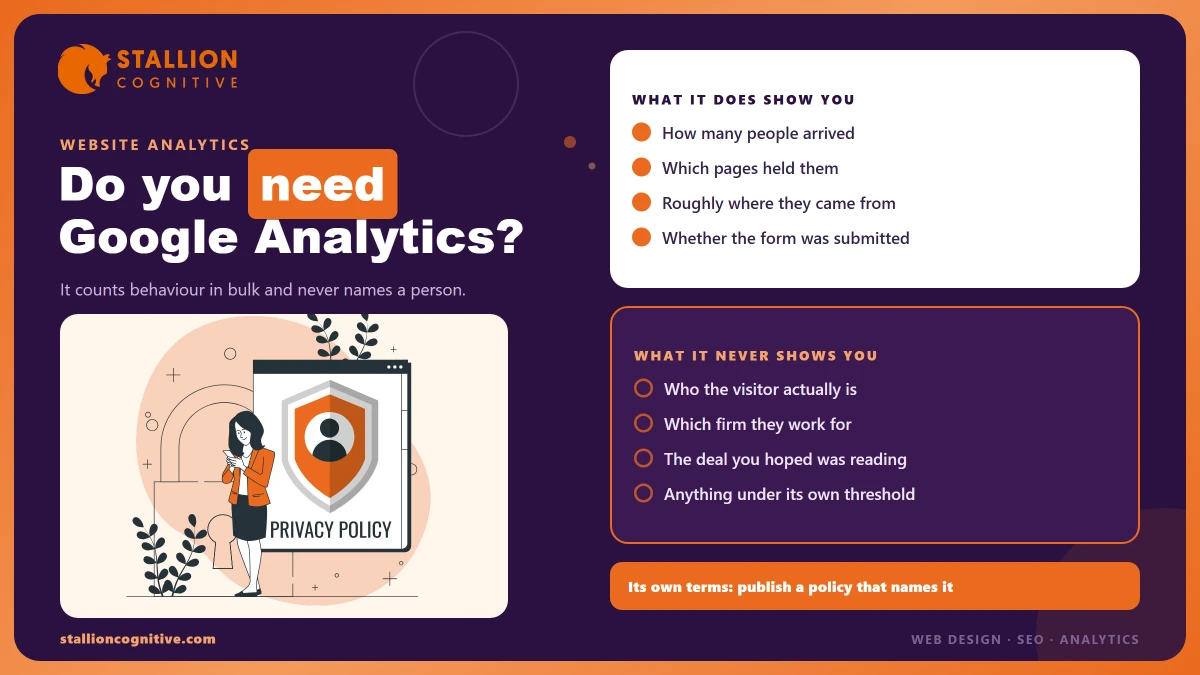
It counts behaviour in bulk. How many people came, roughly where from, which pages held them, and which ones they left at once.
That is a fair starting set for a firm trying to work out whether its website does anything. The three questions below are the ones worth the setup cost.
- Did anyone reach the page we spent money on? A new service page with fourteen visits in a quarter has a promotion problem rather than a copy problem.
- Which pages do people actually read? Usually not the ones the partners argue about.
- Did the enquiry form get submitted? Only if somebody configured that as an event, which is the step most inherited setups skip.
That third one is where inherited accounts fall over. A default install counts page views and nothing more. So the account looks healthy while measuring none of what pays you.
Checking whether form submissions are tracked takes about four minutes. It is the most useful thing you can do with a login you have never used.
What Will It Never Tell You?
Who visited. Never the person, never the company, and never the deal you hoped had been reading your pricing page. Analytics is built to stop that, and Google's terms make it a breach to try.
The clause is short and absolute. You agree that you "will not and will not assist or permit any third party to pass information, hashed or otherwise, to Google that Google could use or recognize as personally identifiable information," under the Analytics terms of service.
That clause has teeth at a financial firm, because your site collects the exact data it forbids, usually in places nobody thinks to look. The breaches below all happen by accident.
- Client names in URLs. A portal or document link carrying a name or reference lands in your page reports.
- Email addresses in query strings. Form redirects and email campaign links do this constantly.
- Enquiry details pushed as event parameters by a well-meaning developer trying to make the CRM and Analytics agree.
Google does publish controls for stripping some of this out. Its guidance on data redaction covers email addresses and URL parameters you have named yourself.
A safety net is all redaction is.
The plan is to keep client data out of your URLs in the first place, and that job belongs to whoever builds and maintains the site. Ask them directly whether any page address on your site can contain a name, a reference number, an email or anything else that ties a row in a report back to one identifiable client, because the answer decides whether you are compliant or merely lucky.
If naming your visitors is the real goal, that is a different kind of product with different maths behind it. We went through what those tools can and cannot match in see who visited your website.
The Obligations Nobody Mentions at Setup
Installing the tag takes ten seconds. The terms you accept along with it name a specific thing you must then publish.
"You must post a Privacy Policy and that Privacy Policy must provide notice of Your use of cookies, identifiers for mobile devices… or similar technology used to collect data. You must disclose the use of Google Analytics, and how it collects and processes data."
Read that twice. It is stricter than what most sites actually do, because a privacy page that mentions cookies in passing falls a long way short of naming Google Analytics and explaining how it collects and handles the data it takes from your visitors.
That is a real point at a regulated firm. Your compliance file is meant to match what the website actually does, and a tag nobody wrote down is a gap someone will ask about one day.
- Name the tool. "We use Google Analytics" beats "we use analytics software".
- Say what it does in a sentence a client can follow.
- Say how long you keep it, which is a setting in the account with a default you may not have chosen.
- Check the consent position for your jurisdiction, because that varies and this article is not legal advice.
The retention setting surprises people most.
It has a default, somebody accepted that default years ago without reading it, and it quietly governs how far back your own history goes.
Why Your Reports Show Less Data Than You Expect
A smaller firm hits something big sites never see. Google holds data back from your reports on purpose when your numbers are low, and it says so in a notice most people scroll past.
The mechanism is called thresholding. Google's page on data thresholds says data may be withheld "when viewing a report or exploration within a narrow date range if you have low user or event counts in that date range." Reports built on age and gender data get the same treatment, and search query rows vanish when too few users sit behind them.
The next line is the one that changes your plans. Thresholds "are system defined and you can't adjust them."
| What you asked for | What a low-traffic account often returns | Why |
|---|---|---|
| Last week's conversions by city | Blank or partial rows | Narrow date range, low event counts |
| Age and gender of enquirers | Withheld entirely | Age and gender data below the threshold |
| Which search terms brought a page its traffic | Rows missing | Not enough users behind each query |
| Same report over twelve months | Usually populated | Wider window clears the threshold |
A firm with 400 visits a month should widen every date range before drawing a conclusion. Treat a blank cell as a volume problem rather than a broken tag.
Quarter against quarter works. Last Tuesday against the Tuesday before will waste your afternoon.
The Practical Consequence
Small firms get more from Search Console and their own enquiry log than from cutting Analytics into weekly slices. The tool earns its place over long windows, on questions of direction rather than detail.
Does a Small Firm Need It at All?
Yes for most, and the reasoning is narrower than the marketing suggests. Keep it if you can answer yes to any of the following.
- You spend money sending people to the site. Ads, sponsorships or a content retainer all need a landing check.
- You are about to redesign. A year of before-data is the only way to tell whether the new site improved anything.
- Somebody asks which pages matter. That argument is unwinnable without numbers.
- You want a free record of your own history. Once the tag is off, that period is gone permanently.
The case for removing it is thinner, and still real. Say a firm wins every client by referral, spends nothing on search, and has nobody who will ever open the account. That firm carries a duty to its visitors for no return at all, and the sensible move is to strip the tag out properly and update the privacy policy to match.
The tool rarely decides this. What decides it is whether anyone will act on what it shows.
If your enquiries all arrive by phone, then working out which channel earned them is the harder job. We covered that in where your leads come from.
The Four Reports Worth Opening
Most of the interface exists for large online retailers.
A professional firm needs one small corner of it, checked monthly rather than daily.
| Report | The question it answers | How often | What a bad answer looks like |
|---|---|---|---|
| Traffic acquisition | Where visitors come from | Monthly | One channel supplying almost everything |
| Landing pages | Which page they arrive on | Monthly | Your money pages absent from the list |
| Events, filtered to form submissions | Did anyone enquire | Monthly | The event does not exist |
| Pages and screens, twelve-month window | What the site is actually for | Quarterly | Old blog posts outranking your services |
Set the date range to twelve months by default and stop fighting weekly noise.
Beyond that, two habits beat any dashboard you could build. Check that form submissions register as an event before you trust a single number in the account. Then check whether the traffic is human at all, because some share of it will not be, and we went through how much traffic is bots in detail.
What to Do About the Account You Inherited
Almost every firm we look at has an Analytics account somebody else made. The usual state is one property that works, one that stopped collecting in 2023, and admin access sitting with a former supplier.
Work through it once, in this order.
- Confirm you own it. Admin rights belong on your own Google account rather than your agency's.
- Check the data is arriving. Open realtime, load your own site, watch for yourself.
- Find the duplicate properties and note which one your reports actually use.
- Test one form submission and confirm it appears as an event.
- Read your privacy policy against what the tag is doing, then fix whichever is wrong.
- Set data retention deliberately instead of leaving the default.
Access is the step people put off and later regret. An agency holding admin on your Analytics can take your history with them the day the relationship ends, which is one of the standing SEO agency red flags worth checking before you renew.
Where This Leaves You
Keep Google Analytics, in most cases. Keep it knowing that it measures behaviour rather than people, that it will hold data back when your numbers are small, and that it came with a written duty to tell visitors it is there.
None of that argues for removing it. All of it argues for knowing what you have.
Say you inherited an account and cannot tell whether it tracks your enquiries. That is a short piece of work with a clear answer at the end, and we audit these setups for financial firms most months, usually finding the same three faults. Check your analytics setup and you will at least know what your own numbers mean.
Frequently Asked Questions
Is Google Analytics free, or is there a paid version?
The standard product costs nothing and covers what a professional firm needs. A paid tier exists for very high volumes and for buyers who want service guarantees. Nothing at your size is held back by the free limits.
Can we use something other than Google Analytics?
Plenty of alternatives exist, and the privacy-first ones appeal to firms uneasy about sending visitor data to Google. Check that your pick still connects to Search Console and your ad accounts, because losing those links costs more than the tool saves.
Do we need Google Tag Manager as well?
Not at the start. Tag Manager pays off once you run several scripts and want to change them without a developer. One Analytics tag installed directly is simpler and one less thing to break.
Who should hold the login?
A partner or director, with any marketing supplier added as a user rather than an owner. Ownership has to outlast both staff changes and agency changes.
How far back does the data go once we fix the setup?
Only forward. Fixing tracking today gives you clean data from today onward, and the gap before it stays a gap forever. Sort this out before a redesign rather than after one.