
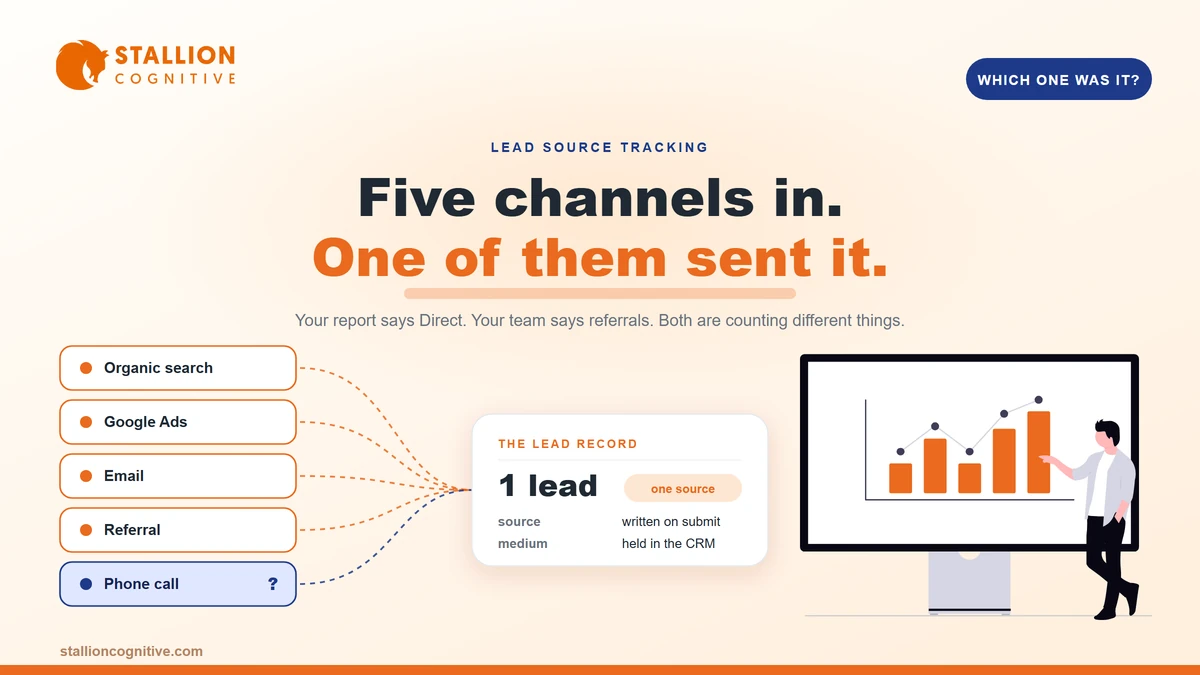
A firm asks us where their leads come from and we usually get three different answers in the first ten minutes. The owner says referrals. The GA4 report says Direct. The person answering the phone says most callers mention Google.
All three are partly right. None of them is a number you can budget against.
Knowing where your leads are coming from takes three separate pieces of tracking plus one decision about which one wins. Get those in place and the reports stop arguing. This post covers what each tool can and cannot see, how to close the gaps yourself, and where attribution runs out for good.
Why do your lead reports disagree with each other?
Because they count different things. GA4 counts sessions from anonymous browsers, your CRM counts named people, and your team counts conversations. Three units of measurement, three answers.
Nobody is lying. The tools were built for different jobs.
What "Direct" usually means
Almost never someone typing your domain from memory. Direct is the bucket a tool uses when it has no referrer to record, and there are a handful of ordinary reasons that happens.
- A link clicked inside Outlook, Gmail, WhatsApp or Slack, where the app passes no referrer.
- A PDF, a QR code, or a link in a signature block.
- A redirect chain that dropped the referrer on the way through.
- A visitor who came back a week later, after the session that carried the real source had expired.
If Direct is your biggest channel, treat it as a measurement gap rather than a marketing result. It is the pile of everything your setup could not label.
Why GA4 and your CRM will never match
Google Analytics is session-scoped. Its traffic-source dimensions tell you where a visit started, and session-scoped dimensions apply a last-click model. Your CRM works differently. It is person-scoped, and one person can arrive six times across three devices before they fill anything in.
So GA4 says you had 40 organic sessions and 3 conversions. Your CRM says you got 5 new enquiries. Both are accurate. Neither answers "which source produced this specific lead", which is the question you actually asked.
The fix is not a better analytics tool. It is a lead-source field on the record itself, populated at the moment the form fires.
What does GA4 actually tell you about lead sources?
Channel-level trends, reliably. Lead-level attribution, no. Knowing which side of that line you are on saves a lot of wasted afternoons in the reporting interface.
| GA4 dimension | What it answers well | What it cannot do |
|---|---|---|
| Session source / medium | Which channel started this visit | Tie the visit to a named person |
| First user source / medium | How this browser first found you | Survive a device switch or cleared cookies |
| Session campaign | Which tagged campaign drove the visit | Show anything you never tagged |
| Landing page | Which page opens the relationship | Say what happened after a phone call |
| Conversion events | How many forms fired, by channel | Tell you which of those became clients |
Use GA4 for the shape of the trend. Organic climbing, paid flattening, referral spiking after a podcast. That is a real and useful signal.
Then stop. The moment you need to know whether the Thursday enquiry came from LinkedIn or from a Google search, you are in CRM territory. Firms that already run multi-step forms have an advantage here, because there is a natural place to capture the source before the final step.
One aside worth knowing about. Referrals arriving from AI assistants show up inconsistently across reports, and reading AI traffic in GA4 needs its own setup rather than a default channel group.
How do you tag your own links so they stop hiding?
With UTM parameters on every link you control. They are five short additions to a URL, and they turn an unlabelled visit into a labelled one before it ever reaches your site.
The rule is simple. If you placed the link, tag the link.
The five parameters and what to put in them
- utm_source: Where the click physically came from, like linkedin, newsletter, or partnersite.
- utm_medium: The type of channel, like social, email, cpc, or referral.
- utm_campaign: The specific push, like q3-tax-guide.
- utm_content: Which version of the link, when you are running two.
- utm_term: Paid keyword, which most platforms now fill for you.
Source and medium do the heavy lifting. The other three earn their place once you run more than one campaign at a time.
The three mistakes that break UTM data
Inconsistent casing is the first and worst. LinkedIn and linkedin become two separate rows, and by month three you are reconciling nine spellings of your own newsletter.
- Mixed capitalisation: Pick lowercase for everything and write it into a shared naming sheet.
- Tagging internal links: A UTM on a link between two of your own pages restarts the session and overwrites the real source with your own site.
- Losing tags in redirects: Shorteners and vanity URLs strip parameters unless set up to pass them through. Test each one before a campaign rather than after.
We see the internal-link mistake constantly. Someone tags the button in a site-wide banner, and within a fortnight a quarter of all sessions credit the homepage as their own source.
How do you track the leads that arrive by phone?
With call tracking, which swaps the number displayed on your site depending on how the visitor arrived. The call carries a source, just like a form does.
For a professional-services firm this is usually the biggest blind spot of the three. Phone enquiries are the valuable ones. An untracked call is a lead with no origin attached.
What a call-tracking setup gives you:
- A source, medium and campaign attached to each call, matched to the browsing session that came before it.
- Recordings and call duration, so you can tell a real enquiry from a wrong number.
- Phone and form leads in one list.
WhatConverts and CallRail are the two most firms end up on, and both swap numbers without a developer. Expect $30 to $150 a month depending on volume.
Two practical cautions. Keep your real number on your Google Business Profile rather than a tracking number, because map pack consistency depends on it. And if you use a lead capture chatbot alongside forms, confirm it writes a source into the same field, otherwise chat leads all arrive labelled as the chatbot.
Should you just ask people how they found you?
Yes, and it is more useful than most analytics people admit. Self-reported attribution catches exactly the things tracking cannot see, which is word of mouth, an event, a podcast, or a recommendation in a private group.
Ask it badly and you get mush. Ask it well and it becomes the field your sales conversations actually reference.
How to word it so the answers are usable:
- Make it optional on the form and required in the first call. Optional keeps conversion rates intact.
- Offer five or six named choices plus a free-text box. Open-only fields produce "internet".
- Include the answers tracking misses, like "someone recommended you" and "heard you on a podcast".
Treat self-reported data as a companion to tracking rather than a replacement. People misremember. Somebody who found you through a search two months ago will often say "a colleague mentioned you", because the colleague conversation is the part they recall.
We ask a version of this on every project intake, and the gap between what the form says and what GA4 says is usually where the real story is.
How do you turn all of it into one number you trust?
Pick one system of record, one attribution rule, and one field. The reconciliation happens in your CRM, because that is the only place a lead exists as a person rather than as a session.
Here is the mapping that covers most professional-services firms.
| How the lead arrives | What tracks it | Where the source lands |
|---|---|---|
| Website form | Hidden field capturing UTM plus referrer | CRM lead source, written on submit |
| Phone call | Call tracking with dynamic numbers | CRM, pushed from the call platform |
| Email reply | UTM on the campaign link, plus the sequence name | CRM, from the sending tool |
| Walk-in or referral | The self-reported question | CRM, entered by whoever takes the call |
| Chat or chatbot | Session source passed into the transcript | CRM lead source, mapped on handoff |
Then make the attribution-rule decision and stop revisiting it. First touch tells you which channel creates awareness. Last touch tells you which channel closes. For long professional-services sales cycles we lean first touch, because the search that started a nine-month evaluation is the thing you would be cutting if you got it wrong.
Sample size deserves a mention. Reading a channel's performance from eleven leads is guesswork, and we would not draw a conclusion under roughly 30 leads per channel or a full quarter, whichever arrives first. The same caution applies to judging whether your website is working from a thin month of data.
What can you never fully attribute?
A meaningful slice, and being honest about it protects you from bad decisions. Gartner's 2026 sales survey found that 67% of B2B buyers prefer a rep-free buying experience, which means most of the evaluation happens in places you will never see.
The permanent blind spots:
- Dark social. A link forwarded in WhatsApp or a private Slack arrives with no referrer, forever.
- AI answers. Somebody reads a summary that cites you, then searches your brand name. That converts as brand or direct.
- Multi-device journeys. Phone at home on Sunday, laptop at the office on Monday, two different browsers.
- Word of mouth with a search on top. The recommendation created the demand and the search took the credit.
That last one deserves attention because it inverts your reporting. Branded search looks like your cheapest channel while the referral that caused it looks like nothing.
Statista puts Google's share of the global search market at roughly 90%, so your "organic" bucket is close to a single supplier. Splitting it into branded and unbranded queries in Search Console tells you far more than the channel total does, and it is the fastest way to see whether demand is being created or merely harvested. Firms running SEO and PPC together should make that split before comparing the two.
What to do with this
Three things, in order. Put a hidden UTM field on every form, switch on call tracking, and add the self-reported question to your intake.
Give it a quarter. Then look at your lead-source field instead of your analytics dashboard, and you will have a number that survives a conversation about budget. If the leads still are not arriving in the first place, that is a different problem with website leads and a different fix.
Not sure which of the three gaps is costing you most? Our digital strategy work starts by instrumenting exactly this, so the next spending decision comes off evidence.
Frequently Asked Questions
Do we need a paid attribution tool at our size?
Under roughly 100 leads a month, a hidden UTM field plus call tracking plus your CRM covers it. Multi-touch platforms earn their cost once several channels overlap on long cycles and you need weighted credit rather than a single source.
What happens to tracking when someone clicks a link in an email?
Mail apps often pass no referrer, so untagged email clicks land in Direct. Tagging the link with utm_medium=email fixes it completely, which is why email is the channel most often undercounted in small-business reporting.
Can we track leads that come through LinkedIn messages?
Private messages carry no trackable source. Put a tagged link in your profile and in any lead magnet you send, then rely on the self-reported field for the rest. Expect a permanent gap here.
Should sales or marketing own the lead-source field?
Whoever speaks to the lead first, because they hear the real answer. Marketing sets the picklist and the rules. One owner, one picklist, no free-typing into a shared field.
How often should we review lead sources?
Monthly for spotting breakage, quarterly for spending decisions. Reviewing weekly on small numbers produces false alarms and tempts people into switching off a channel that was simply having a quiet fortnight.