
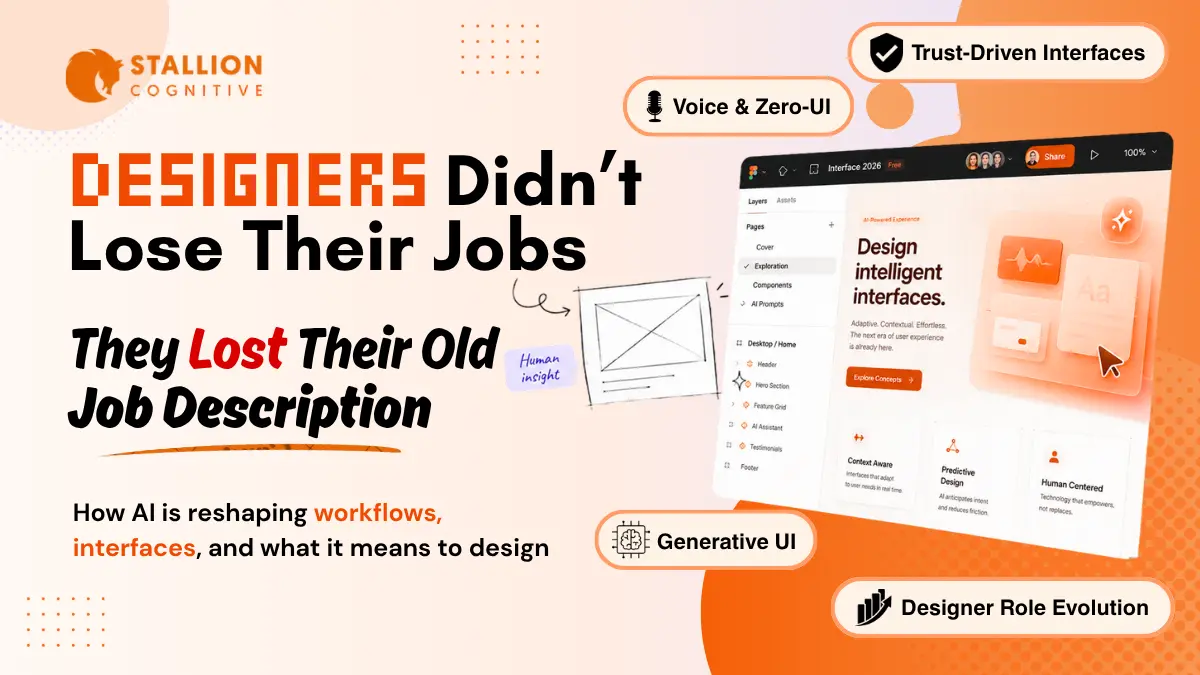
The conversation around the future of UI UX design has stopped being about whether AI will replace designers. That argument got tiring.
The harder question, and the one most product teams are quietly wrestling with right now, is what is left to design when the interface itself is generated by AI, adapts in real time, and increasingly speaks back to the user in plain language.
You're going to walk out of this article with a sharper read on where the industry is actually heading, what those shifts mean for your product, and which trends are worth a real budget over the next two to three years.
We'll cover the rise of Generative UI, the new shape of design workflows, the trust problem nobody is talking about loudly enough, five trends worth tracking, and what all of it means if you're hiring a design partner.
Start here with the forces shaping everything else.
What Is Driving the Future of UI UX Design Right Now?
The future of UI UX design is being shaped by four forces hitting at the same time: generative AI ripping through every design tool, interfaces becoming dynamic instead of fixed, AI-mediated chat and search displacing traditional navigation, and user trust emerging as the new product moat. Together, they reshape what an interface even is.
Each force compounds the others.
As tools like Figma Make, Google Stitch, and Magic Patterns generate working UI from a prompt, the cost of producing a screen drops to near zero. Once that floor falls, the screen stops being where competitive advantage lives. The advantage moves up the stack.
The numbers tell an uncomfortable story
Figma's 2025 AI report found 85% of designers and developers believe learning to work with AI will be essential to their future. 78% say AI already boosts their efficiency.
Then comes the kicker.
Only 40% of designers feel AI is improving the quality of what they ship, compared to 68% of developers. That gap reveals something real about AI design tools. Most of what they produce looks polished on the surface without being good underneath, and the people closest to the work know it.
The four forces, ranked by speed
Here's the deal, not all four are moving at the same pace.
- Generative AI inside design tools is already mainstream. Industry surveys put ChatGPT adoption among practising designers well above 80%, with most teams now reaching for AI tools daily inside the design workflow itself.
- Adaptive interfaces are still early. Most apps serve identical layouts to every user.
- AI-mediated search has rewritten how people find products. Google's AI Overviews now show up in roughly 47% of queries, often answering the question before the user clicks anything.
- Trust as a differentiator is the slowest force, but the most strategic one. The brands building it now will own the next five years.
And underneath all four, the design system itself has become the real product. Components, tokens, and patterns are the API that your team and your AI tools both ship against.
The shift from static screens to adaptive ones is the headline change underneath all of this. And it has a name.
Generative UI: Why Designers Are Moving From Screens to Systems
Generative UI, or GenUI, is the design pattern where the interface assembles itself in real time based on user intent and context. The designer's job shifts to defining the rules, components, and constraints that an AI model uses to draw the screen on demand. There are no hard-coded layouts shipped ahead of time.
The implication is bigger than it sounds.
A banking app that today serves identical layouts to a 28-year-old freelancer and a 65-year-old retiree could, with Generative UI, show entirely different navigations, default actions, and content density. The system makes that call, drawing on what it already knows about the user.
Three things are true about GenUI in 2026 according to current research.
First, it is real but rare. The Nielsen Norman Group's 2026 report calls out that AI-mediated experiences are reshaping where UX value lives. The interface is becoming less central as more interactions get delegated to assistants and agents sitting on top of it.
Second, GenUI is breaking how design systems used to work. If your components have to recompose in unpredictable ways, your tokens, patterns, and accessibility rules need to be tighter than they have ever been. A loose system that works fine when a designer assembles it once will break the moment an AI assembles it 10,000 times an hour.
Third, the work moves upstream. Designers spend less time pushing pixels and more time defining the rules of the game.
| Element | Traditional UI design | Generative UI design |
|---|---|---|
| Output | Fixed screens for fixed user states | Components and rules an AI composes in real time |
| Update cycle | Sprints, releases, version bumps | Continuous, per-session, per-user |
| Designer focus | Pixels, flows, screens | Systems, constraints, prompts, guardrails |
| Failure mode | Visual inconsistency | Context misreads and trust collapses |
Google relaunched Stitch in March 2026 as an AI-native design canvas where high-fidelity UI gets generated from text prompts, sketches, or voice commands. Teams using it report shaving hours off early-stage exploration. The catch is that everything Stitch generates is a starting point. Real product work begins after.
So what does this actually look like inside a design team day-to-day?
How AI Is Reshaping the Designer's Day-to-Day Workflow
AI is reshaping the UI UX design workflow by collapsing the time between idea and prototype, pushing low-value production work onto AI tools, and forcing designers to spend far more time on research, judgment, and orchestration. The daily job now looks more like editing, curating, and stress-testing than building from scratch.
We've watched this shift play out across client teams in the last 18 months.
What used to take three or four hours of wireframing in Figma now takes minutes once a designer is fluent with tools like Figma Make, Galileo AI, and Magic Patterns. The day-to-day looks different in three concrete ways.
1. The first 80% is generated, the last 20% is the job
Designers prompt an AI tool with the brief, the design system, and the user context. They get five or ten variants back.
Then the real work begins.
Critique, refinement, and stress-testing against the edge cases the model did not see. Christian Eckels, a product designer at CNN, put it bluntly in a recent industry panel. "AI can make weak UX look polished. Judgment, taste, and accountability are the responsibility of the designer."
2. Research and validation rise in importance
When every team has access to the same AI tools, prompts, and templates, the thing that differentiates a product is how well the team understands its users.
NN/G's 2026 report says it plainly. As AI-powered tools improve, the power of standardization will be amplified, and anyone will be able to make a decent-looking UI. The differentiator moves to research, taste, and depth of user understanding.
3. Prompting is now a real design skill
Yes, prompting.
The way designers ask an AI for a UI variant determines the quality of what comes back. Vague prompts produce generic, AI-slop interfaces. Specific prompts anchored in user research and the design system produce something usable.
Chrissy Welsh, VP of Experience at KPN, summed it up well. "If you're terrible at prompting, it's going to be generic. It's an art and a skill."
Faster output is the visible change. The invisible one is harder, and it shows up in how users react to whatever gets shipped.
The Trust Problem in AI-Powered Interfaces and Why It Matters
The trust problem in AI-powered UI UX is the single biggest design challenge of 2026. Users have been burned by hallucinations, AI slop, and unhelpful chatbots, and they now arrive at AI features with skepticism. Designing for trust means transparency, control, consistency, and graceful failure baked in from day one.
NN/G's State of UX 2026 puts trust at the center of the conversation. Their wording is sharper than most. They write that trust will be a major design problem for AI experiences in 2026, and the challenge will only grow as more AI agents get rolled out before they are ready.
Users have been burned.
Accenture research cited across the industry shows nearly half of consumers now consistently question the authenticity of digital information they see. That's a structural shift in how every interface is read.
You might be wondering: what does "designing for trust" actually mean in practice?
It comes down to four fundamentals that any product team can audit today.
- Transparency about what the AI is doing, where its data came from, and where its confidence drops off.
- Control. Users need a clear way to override, edit, or undo what the AI suggested. Without that, the interface feels like a hostage situation.
- Consistency, full stop. AI features that behave differently across sessions break trust faster than any other failure mode.
- Support when the system fails. The AI will hallucinate. The question is whether your UI catches it gracefully or buries it under a polite error screen the user has already seen 50 times.
Adoption is racing ahead. Value capture is lagging behind.
McKinsey's State of AI tracking finds the vast majority of organizations now use AI in at least one business function, while only a small minority report meaningful financial returns. Adoption without trust does not convert.
Once trust is in the system, the question becomes which UI patterns to actually invest in.
5 UI/UX Trends Worth Investing In Before Your Competitors Do
Five UI UX trends are worth real budget in 2026: Generative UI rollouts, voice and zero-UI interaction patterns, accessibility-by-default systems, prompt-first experiences inside everyday products, and visual depth through glassmorphism and dynamic typography. Each one solves an actual business problem rather than chasing aesthetic novelty.
Here's why this matters: most of these trends pay back in measurable ways inside 12 months, while the rest of the field is still arguing about whether AI will replace designers.
- Generative UI rollouts in onboarding and dashboards: Even partial adoption helps. A dashboard that reorders modules based on a user's behavior in the last 30 days drives more engagement than any static A/B test ever has.
- Voice and zero-UI patterns: The voice user interface market is projected to climb past $40 billion by 2035. For service businesses, voice-first scheduling and AI assistants now feel native to users under 35.
- Accessibility built into the design system itself: Color contrast, focus states, alt text generation, keyboard navigation. AI can audit it. The system has to enforce it. Lawsuits over inaccessible websites continue to rise in the US, especially in financial services.
- Prompt-first interfaces inside everyday products: Search bars are evolving into chat. Forms are evolving into conversations. The companies redesigning their product around "what would the user actually ask?" are seeing measurably higher activation rates.
- Visual depth with glassmorphism and bold typography: As AI floods the web with generic flat UI, brands that lean into tactile depth, motion, and considered typography stand out. Apple's macOS and Vision UI both pushed this aesthetic forward in 2025.
Word of caution: avoid trend-chasing for its own sake. Pick the two of these five that solve the biggest friction in your product, and ship them well.
If you've been keeping an eye on how AI is already changing search and content discovery, you've seen this same pattern. The recent Stallion blog deep dive on whether SEO is dead in 2026 lays out exactly how AI-mediated search is reshaping visibility. The same shift is now happening inside the product itself.
What Business Owners Should Look For in a Design Partner Now
Business owners hiring a design partner in 2026 should prioritize three signals: real comfort with AI tools as part of the workflow, a strong point of view on user research and accessibility, and the craft to design entire systems, including the rules that govern how AI assembles them on the fly.
Templates and Dribbble shots no longer carry a brand.
Plenty of agencies can ship a clean-looking website using a Webflow template and a Figma plugin. The harder thing is finding a team that thinks about what your interface should do over the next three years, how it should adapt to AI-mediated search and chat, and how it should hold up when users arrive with the trust deficit we covered earlier.
Three questions worth asking any agency before you sign anything:
- How does your team use AI inside its design workflow, and where do you intentionally keep humans in control?
- What does your design system look like, and how would it hold up if 30% of the interface had to be generated dynamically?
- How are you thinking about user research, accessibility, and AI search visibility together rather than in silos?
Connected work matters here. AI-driven UX, AI-mediated search, and AI-led content discovery all share the same plumbing. A partner who understands generative engine optimization the way they understand visual design will produce sites that earn visibility and convert visitors.
That overlap is where serious agencies are quietly building advantage right now.
Conclusion
The future of UI UX design is not a single trend you can wait out.
It is a structural shift in what an interface is, who designs it, and how users experience it. The teams that win in the next three years are the ones treating AI as a thoughtful collaborator, designing for trust before novelty, and pushing their craft upstream into systems thinking.
Most financial businesses we work with face the same situation. The brand has moved on, the customer has moved on, and the website hasn't budged in years. The gap shows up in conversion, in search visibility, and in how the brand reads to anyone arriving from an AI assistant.
So here's the question worth sitting with.
What would your website look like if it was designed for the way people actually interact? Let's talk about what your next site should actually do. We at Stallion Cognitive will help you fix all your UI/UX related problems.
Frequently Asked Questions
Will AI fully replace UI/UX designers by 2030?
None of the credible 2026 research, including NN/G's State of UX 2026, points to wholesale replacement. AI handles production faster, but research, judgment, and trust design stay firmly with humans. Expect smaller teams doing higher-impact work, with senior generalists in stronger demand than ever.
How does AI-powered UX affect a website's SEO and search visibility?
Figma's 2025 AI report and McKinsey research both point in the same direction. AI-driven UX features improve dwell time and engagement, but the bigger shift is upstream. AI Overviews now answer queries before users click, so your content structure and schema markup carry more weight than ever.
Are AI design tools worth the investment for a small business team?
More than most agency pitch decks admit, the answer depends on what your team does with the time saved. For a small business with one designer or marketing lead, tools like Figma Make, ChatGPT, and Magic Patterns pay back quickly. For a non-design team, hiring a partner usually wins.
Is a career in UI UX design still worth pursuing in 2026?
The entry-level door has narrowed, no question. Senior generalists who can do research, systems thinking, and AI orchestration are in higher demand than ever according to NN/G's 2026 reporting. Treat UX as strategic problem-solving and the career path stays strong well into the decade.
How long does it take to rebuild a website around AI-first UX principles?
Six to twelve weeks for most small business sites that already have a clean design system in place. Longer if you're rebuilding the system itself, integrating AI features inside the product, or untangling years of patchwork. Build proper discovery into the plan from the very start.