
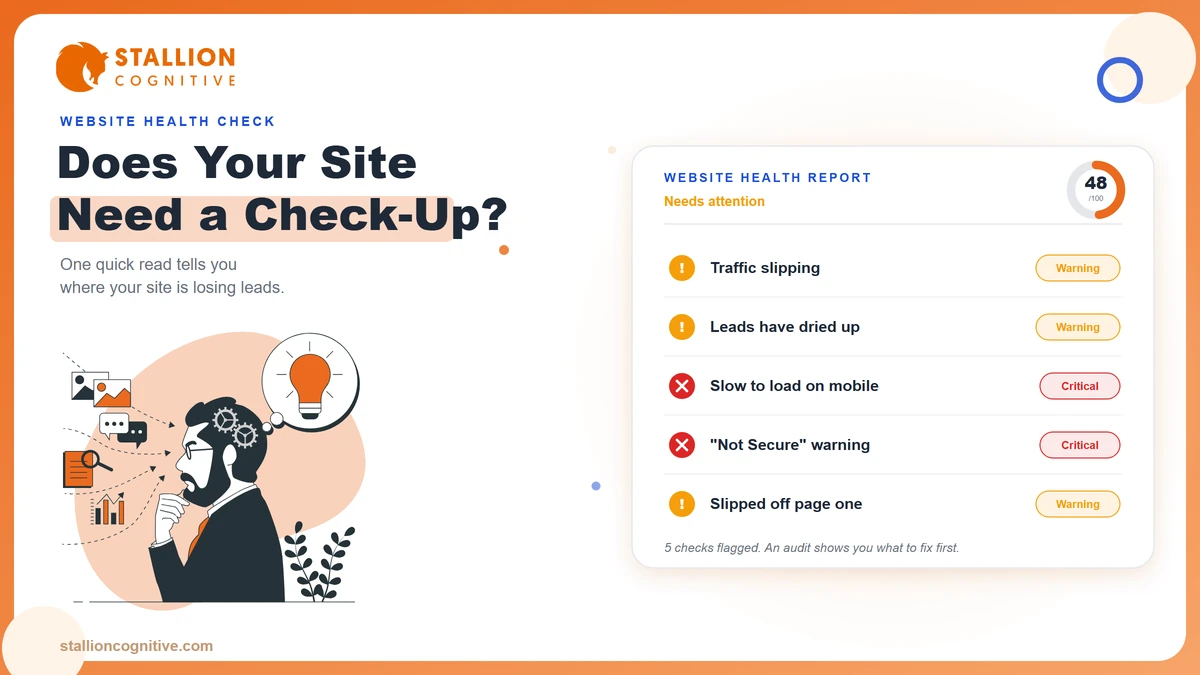
You don't need a marketing degree to feel when something's off with your website.
Maybe the phone rings less than it used to. Maybe a customer mentioned the contact form "didn't work." Maybe you searched for your own company name and barely found yourself. You can't quite point to the problem, but you know it's there.
That gut feeling is usually right. And it's exactly what a website audit is built to answer.
Below are the five clearest signs you need a website audit. Read them against your own website. If even one sounds familiar, you're probably losing customers you never knew you had. We'll also walk through what a real audit checks, what you get back, and when it's worth paying someone versus doing it yourself.
What a website audit actually is
A website audit is a structured review of everything that decides whether your site earns you business. Some people call it a website health check, and the name fits. Think of it like a mechanic putting your car on a lift. From the outside the car runs. On the lift, you see the worn brake pad that's about to cost you.
The three layers a real audit checks
A good audit works through all three at once.
- The technical layer: Speed, mobile behavior, security, broken links, and whether Google can even read your pages.
- The search layer: What you rank for, what you've lost, and where competitors pulled ahead.
- The conversion layer: Whether visitors who land on your site actually call, buy, or fill out a form.
Most owners only think about the parts they can see. The homepage looks fine, so the site must be fine. But the problems that cost you money tend to hide in the layers you never look at. A slow server response. A form that fails on iPhones. A page Google quietly stopped trusting.
Here's a useful way to think about it. Your website is a salesperson who works every hour of every day. An audit is a salesperson's performance review. Are they showing up? Are they saying the right things? Are they closing? When was the last time you actually checked?
So do you need a website audit right now? The five signs below answer that faster than any tool can. Read your own site against each one.
Sign 1: Your traffic is flat or slipping
Open Google Analytics and look at the last 12 months of organic traffic. Look at the trend rather than last week.
A slow, steady decline is the sign owners miss most, because nothing dramatic happens on any single day. You lose a few visitors this month, a few more the next. Six months later you're down 30% and you never noticed the day it started.
Flat traffic can be just as telling. If your competitors are publishing, improving their sites, and climbing, standing still means you're falling behind in relative terms. The web doesn't reward sitting still.
There are plenty of reasons traffic drops, from a Google algorithm update to slow content decay to a technical change nobody flagged. We break the full diagnosis down in our guide on why website traffic drops. An audit's job is to tell you which of those causes is actually hitting you, so you fix the real problem instead of guessing.
Three things get checked here.
- Traffic trend by channel: Is the loss in organic search, direct, or referral?
- Which pages bled: A sitewide drop and a single-page drop have very different causes.
- Timing against known updates: Did the slide line up with a Google core update?
Sign 2: Traffic holds, but the leads dried up
Sign 2 stings the most, because on paper everything looks healthy. Your visitor count is steady. Your rankings look fine. Yet the calls, form fills, and quote requests have quietly thinned out.
When traffic is stable but leads fall, the problem is almost always on the page itself. People are arriving. Something is stopping them before they act.
We see a familiar list when we audit sites in this state.
- A contact form that throws an error on mobile.
- A phone number that won't dial when tapped on a phone.
- A call to action buried below three screens of text.
- A page that loads so slowly the visitor gives up before it finishes.
- A trust gap, where a financial firm's dated site sends a serious prospect quietly clicking away.
For a regulated business, that trust gap does real damage. Someone comparing two advisors will pick the one whose site feels current and secure. Your design is doing sales work whether you planned it that way or not, which is why a high-converting business website is built around the action you want the visitor to take, with the visuals there to support that.
An audit maps the full path from landing to lead and finds the exact step where people give up. Often it's one or two fixable things standing between your current traffic and a lot more revenue.
Sign 3: Your site feels slow
Load your own website on your phone, using mobile data rather than office Wi-Fi. Count the seconds until you can actually use it. If you're waiting, your customers are waiting. Most of them won't.
The numbers here are hard to argue with.
Google's research found that as page load time climbs from one second to three, the probability that a visitor bounces jumps by 32%. Stretch it to five seconds and the bounce probability rises 90%. Those are customers gone before your page finishes drawing.
Speed also moves money in the other direction.
A large study by Deloitte, Milliseconds Make Millions, found that trimming just 0.1 seconds off mobile load time lifted conversions by 8.4% for retail sites.
0.1 second slower, 8.4% fewer conversions. Buyers feel your speed before they read a single word.
Slowness rarely Comes from one cause
It's usually a stack of them, from oversized images and bloated plugins to a cheap server, no caching, and code that loads in the wrong order. You feel one symptom, but the fix has several parts. A slow website leaks revenue in ways the invoice never shows, and you can test your own Core Web Vitals in a few minutes.
An audit measures your real load times across devices, pinpoints what's dragging each page down, and puts the fixes in order of impact so you spend on the change that returns the most.
Sign 4: You dropped off page one for terms you used to own
There was a time you ranked well for the searches that matter to your business. A service plus your city. Your specialty. The question your best customers ask before they buy. Then, slowly, you slipped to page two, and page two might as well be page ten.
Rankings decay for reasons that have nothing to do with your effort. Competitors invest in better content. Google raises the bar with an update. Your once-fresh pages age while newer, deeper pages pass them. Search results shift under your feet, even when your own site never changes.
The tricky part is that this decay is invisible from your desk. You still show up when you search for your own brand, so everything feels fine. Meanwhile the high-intent searches, the ones from people ready to spend, now surface a competitor instead of you.
An audit rebuilds the real picture of where you stand.
- Positions: every keyword you rank for, and every spot you've quietly slipped from.
- Rivals: which competitor now sits where you used to be.
- On-page health: thin content, weak internal linking, or missing search signals dragging pages down.
Our on-page SEO checklist covers what those signals look like in 2026, now that AI answers sit above the classic blue links.
Once you know which pages slipped and why, recovery is usually a matter of focused updates rather than a full rebuild.
Sign 5: Broken forms, security warnings, mobile that breaks
Some problems don't slowly erode your business. They slam the door shut. And most owners have no idea they're happening, because they never see the broken version their customers see.
The five-minute self-check
Run this on your own site right now.
- Fill out your own contact form and confirm the message actually arrives.
- Load your site on an older phone and a newer one.
- Click every button in your main menu.
- Check the address bar for a padlock and any "Not Secure" warning.
You'll often find at least one thing that's quietly failing.
The security piece deserves extra weight, especially for financial and professional firms. A "Not Secure" flag or an expired certificate tells a prospect their information isn't safe with you, and they leave. Google has treated HTTPS as a ranking signal for years, so a security gap costs you visibility and trust at the same time. If accessibility is on your radar too, an audit overlaps with the checks behind ADA lawsuit risk.
Where mobile breaks without you seeing it
Mobile is where most of these breaks hide. More than half your visitors are on a phone, yet plenty of sites are still built and tested on a desktop. On a real phone you'll often spot these.
- Menus that overlap or refuse to open.
- Buttons sitting too close together to tap cleanly.
- Text running off the edge of the screen.
Our notes on mobile-first indexing show how often the desktop version hides a broken phone experience.
If your site also just looks like it was built a decade ago, that's its own red flag, worth weighing against what a website redesign costs. An audit catches the technical breaks and the trust breaks in one pass, so nothing keeps failing in the background.
Match your symptom to the likely cause
Here's a quick way to match what you're seeing to what it usually means.
| The sign you notice | What it usually points to | What the audit checks |
|---|---|---|
| Traffic slowly slipping | Ranking decay or an algorithm hit | Traffic trend, affected pages, update timing |
| Traffic steady, fewer leads | A conversion or trust problem on-page | Form function, CTA placement, page speed |
| Site feels slow | Bloated code, images, or weak hosting | Real load times, Core Web Vitals, server response |
| Lost rankings you owned | Competitors and content decay | Keyword positions, on-page signals, content depth |
| Forms fail or Not Secure | Technical breaks and security gaps | SSL, forms, mobile rendering, broken links |
Two rows can be true at once, and often are. Start with whichever one is costing you money today.
What a professional website audit delivers
A good audit isn't a 90-page PDF that lists every tiny issue and leaves you paralyzed. That's a data dump, and it helps nobody. What you actually want is clarity about what's wrong, what it's costing you, and what to fix first.
A professional audit should hand you these things.
- A plain-language findings report: What's working and what's broken, written so a business owner understands it without a translator.
- Issues ranked by impact and effort: The quick wins that recover revenue fast, separated from the long-term projects, so you never have to guess where to start.
- The revenue angle: A rough dollar estimate of what problems like a slow load are costing you in lost conversions, tied to your actual traffic.
- A prioritized action plan: Clear next steps, whether your own team handles them or we do.
- A benchmark against competitors: Where you stand versus the businesses taking your customers.
The timeline is usually one to two weeks for a thorough review, depending on how large your site is. The point of the whole exercise is a decision you can make with confidence, backed by evidence instead of a hunch.
Should you audit it yourself or hire help?
You can absolutely do a first-pass audit yourself, and you should. Run your site through free tools. Test your forms. Check your speed. Read your analytics. That alone will surface the obvious breaks and give you a feel for your site's health.
Where the free tools run out
Interpretation is the wall you hit. A tool tells you a page has a "high LCP" or "render-blocking resources." Fine. Now what? Which of the 40 flagged issues actually costs you customers, and which are noise you can safely ignore? That judgment, the part that separates a real problem from a vanity metric, is what you pay a professional for.
| Factor | DIY audit | Professional audit |
|---|---|---|
| Cost | Free to low | A paid engagement |
| Finds obvious breaks | Yes | Yes |
| Ranks issues by revenue impact | Rarely | Yes |
| Interprets the so what | Up to you | Done for you |
| Competitor benchmarking | Limited | Yes |
| Prioritized action plan | No | Yes |
Use a simple rule of thumb. If your website is a real source of leads and revenue, a professional audit pays for itself the moment it recovers a fraction of what a broken funnel is quietly losing. If your site is a low-stakes brochure, a careful DIY pass may be all you need for now.
So where does your site stand?
Read back through the five signs and count how many you recognized. One is worth watching. Two or more usually means the leak has been running a while, and the longer it runs the more it costs to trace.
The good news is that none of this requires a rebuild to find out. A read-only review tells you where the money is going before you spend anything on fixing it.
Not sure which camp you're in? That's exactly the conversation to have before you spend anything. Start with a quick call and we'll give you a straight answer on whether a full audit is worth it for your business, or whether a couple of fixes will do.
Frequently Asked Questions
How often should a business audit its website?
A light check every quarter and a deep audit once a year suits most businesses. Run one sooner after a redesign, a migration, a Google update, or any sudden dip in traffic or leads.
How much does a professional website audit cost?
Pricing ranges widely with the size of your site and the depth of review, from a few hundred dollars for a focused check to several thousand for a large site. Many agencies fold the audit fee into the project if you move ahead with fixes.
What's the difference between an SEO audit and a full website audit?
An SEO audit focuses on search visibility, such as rankings, keywords, and on-page signals. A full website audit covers that plus speed, security, mobile behavior, and how well the site converts visitors into leads.
How long does a website audit take?
A focused review can be done in a few days. A deeper audit of a larger site usually runs one to two weeks, since it involves testing across devices, reviewing analytics history, and benchmarking competitors.
Will an audit disrupt my live website?
An audit is a read-only review, so your live site keeps running normally while it happens. Changes only come later, during the fixes, and those get scheduled with care to avoid any downtime.